 TeamRally
How to Automate Birthday Reminders in Slack (Beyond the Bare Bot Message)
How to automate employee birthday reminders in Slack — the options, why bare bot messages fall flat, and the human-in-the-loop pattern that feels genuine.
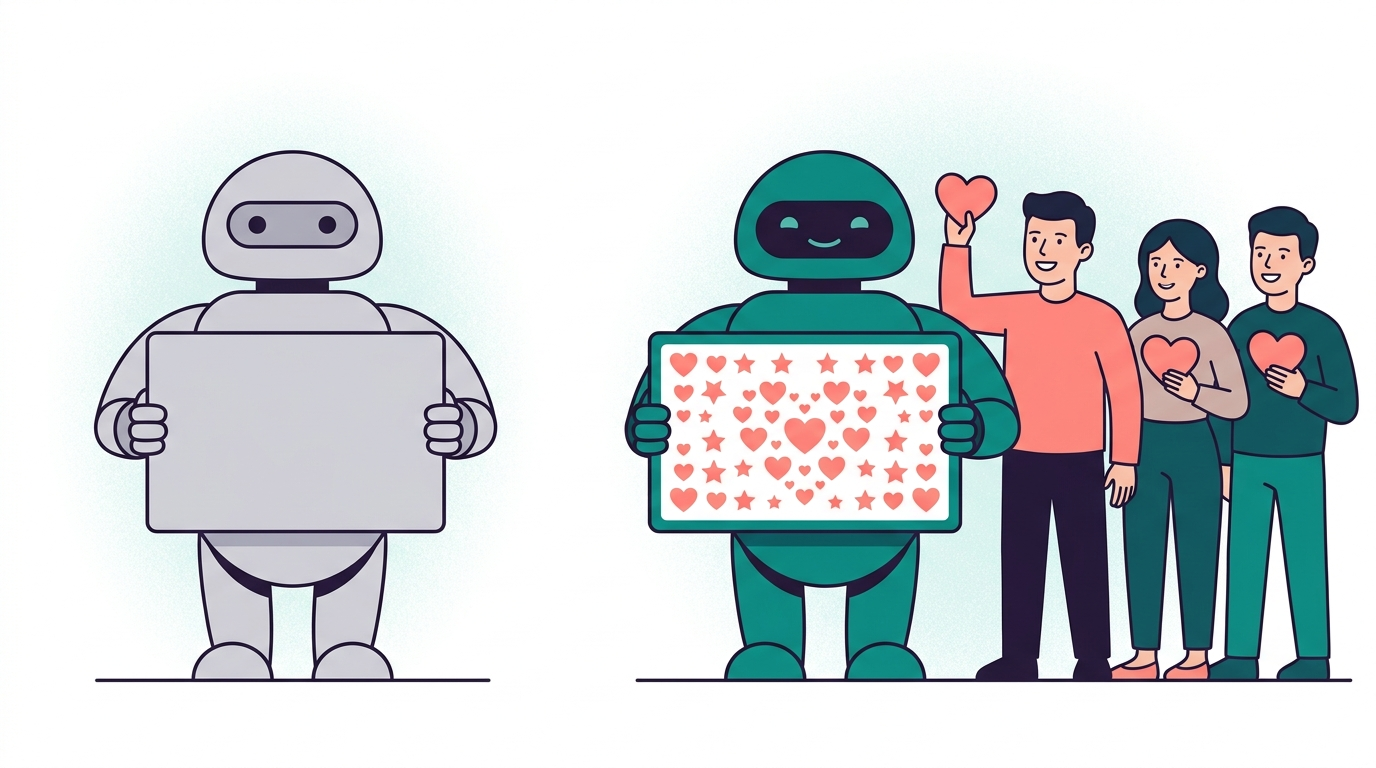
How to automate birthday reminders in Slack has answers at three effort levels — and a trap at the bottom one. The trap is the bot that posts ”🎂 Happy birthday @sam!” into a silent channel and considers the job done. Automated and hollow is worse than manual and warm, because it broadcasts that the company will spend engineering effort to look like it cares while spending zero attention on actually doing so. The whole goal is to automate the remembering while keeping humans firmly in the celebrating — those are two different jobs, and only the first one should be handed to a machine.
Level 1: recurring reminders (free, fragile)
Slack’s built-in /remind can post recurring annual messages, or you can pin a birthday list to a channel and trust people to check it. Free, and genuinely fine for a team of eight. The failure modes show up fast as you grow: it’s manual data entry per person, it breaks silently when people join or leave (nobody updates the reminder when Sam departs, so the bot wishes a ghost happy birthday), and there’s no preference handling at all — the colleague who hates birthday attention gets the same public ping as everyone else.
Level 2: tracker + human ritual (free, reliable)
A durable birthday & anniversary tracker plus a monthly look-ahead ritual: first Monday of the month, check who’s coming up, schedule the posts, open any cards. This is a real upgrade — it handles preferences (add a column), survives joiners and leavers (you maintain the list), and costs almost nothing. Its single weakness is the well-known single-human failure mode: it works exactly as long as the owner remembers to run it, and the month it gets skipped during a crunch is the month someone’s birthday vanishes.
Level 3: a proper celebration flow (automated, warm)
The pattern that holds up at 50+ people separates detection from celebration — automate the first, keep humans in the second:
- Detection is fully automated. The system knows birthdays and start dates from a one-time import, flags what’s coming, and never forgets — no monthly ritual to skip.
- The lead-up involves humans. Days before, the team is quietly invited to sign a group card — a few genuine sentences each, async, on their own time. This is the warmth the bare bot structurally cannot produce, because warmth comes from colleagues, not templates.
- The day-of post carries the human content. What lands in the channel isn’t a template string — it’s the signed card, the accumulated messages, and the team’s live reactions. The automation delivers the humans’ words; it doesn’t substitute for them.
- Preferences are respected automatically. The person who opted for private-only never gets the public post, every time, without anyone having to remember their preference. (Why this matters.)
This detection-automated, celebration-human split is precisely TeamRally’s design: roster imported once, milestones detected, celebration cards opened for signing ahead of time, and the celebration posted to your channel on the day — preferences honored throughout. The recognition gap is real and fixable — Gallup and Workhuman find only about one in four employees feel adequately recognized — but it closes with consistent, genuine recognition, which is exactly what this pattern protects.
Choosing your level
Under ~15 people, Level 2 is honestly fine and you shouldn’t over-build. Past that, the monthly ritual starts skipping months under real workload, and a skipped birthday costs more in goodwill than software costs in money — the same logic that governs when to graduate from a spreadsheet on RSVPs. Pick the lowest level you can run reliably, not the most impressive one.
Part of the chat-native culture playbook. Basecamp version: automating anniversaries in Basecamp.
The remembering is ours; the words are theirs. TeamRally runs birthdays in Slack and Basecamp, with a card the whole team signs. Start free.