 TeamRally
Basecamp Event Planning for HR: Coordinating Team Events Where Your Company Works
How to plan and coordinate internal company events in Basecamp — to-dos, message boards, Campfire, and the RSVP gap, with workarounds and the automated option.
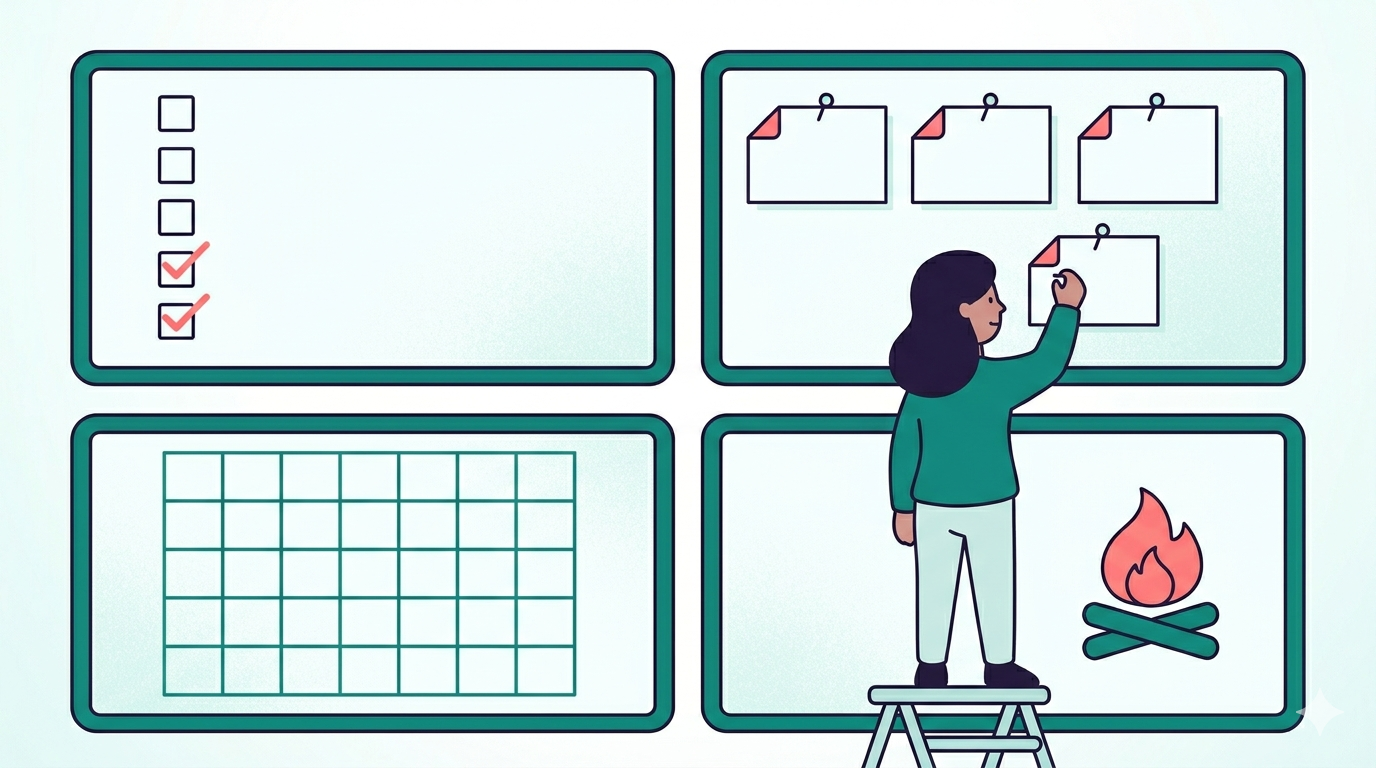
Basecamp event planning is a story of strong bones and one missing organ. Basecamp’s primitives — projects, to-dos, message boards, Campfire, schedules — map beautifully onto event coordination; it’s almost as if event planning were one of the use cases they had in mind. What it lacks is structured data collection: there’s no native way to gather RSVPs, tally dietary needs, or hold a live headcount. So the planning and communication layers are excellent out of the box, and the data layer is where you improvise. Here’s how to run events on Basecamp anyway, and exactly where the gap bites.
The setup: one project per event
Create a dedicated Basecamp project per significant event — it keeps everything for that event in one walled space instead of bleeding into your team’s day-to-day project. Inside it:
- To-dos = your planning checklist, with owners and dates. Basecamp’s accountability model is the best part of the whole tool for this — every task has a name and a date attached, and nothing falls through silently.
- Message board = announcements that mustn’t scroll away: the date announcement, the logistics post, the final know-before-you-go. Pin the essentials so latecomers find them.
- Schedule = key deadlines (RSVP cutoff, booking deadline, travel-detail deadline) visible to everyone, not just in your head.
- Campfire = the chatter, the hype, the “what time is dinner?” questions that you’ll answer regardless of how clearly you wrote the message board post. (It’s also the celebration surface.)
- Docs & Files = itinerary, venue info, the budget sheet — the reference material that should live somewhere stable rather than in a chat scroll.
The RSVP gap
Basecamp has no native structured-response mechanism — no buttons, no forms, no automatic tallies. Everything below is a workaround, listed in ascending order of how much pain you’re willing to absorb:
- “Boost or comment to RSVP” on a message board post. Works up to ~20 people. Beyond that, counting boosts is genuinely error-prone, and collecting dietary needs this way devolves into comment archaeology — scrolling a thread to reconstruct who can’t eat what is not a system you want to rely on for a safety-critical count.
- External form linked from the post. Functional, but you’ve now left Basecamp, response rates drop with every added hop, and the answers land in yet another silo you have to reconcile against your roster by hand.
- A spreadsheet maintained by hand — the RSVP tracker — with chasing done via Pings. This is the most honest manual option, and its ceiling is the usual ~30 people before the chasing becomes a part-time job.
The integrated option
The architecture that actually fits Basecamp: each person gets a personalized RSVP link — one tap, no login — posted via Campfire or the message board; their response, plus-ones, and dietary needs aggregate into a live headcount the organizer watches from a dashboard; and when you need to nudge, you post to just the people who haven’t answered rather than the whole room. The employee never leaves Basecamp; the organizer never tallies a boost by hand.
That’s TeamRally’s Basecamp integration, built as the primary integration rather than a checkbox feature: OAuth connect, people import, Campfire broadcasts, message board posts, and the Preference Vault underneath so the dietary question gets asked once and reused, not re-run every event.
The honest summary
Basecamp on its own: excellent for the planning and communication layers, manual for the data layer. Below 30 people, the workarounds are fine and you shouldn’t add a tool just to feel modern. Above it, you’ll want the data layer automated — and the point worth insisting on is that you shouldn’t have to leave Basecamp to get it. The tool your company chose for its calm should stay the place the event lives.
Part of the chat-native culture playbook.
TeamRally brings celebrations and events into the tool your company already loves — cards the team signs, plus RSVPs and dietary needs when the offsite comes round. Start free.