 TeamRally
All-Hands Meeting Agenda Template for Remote Teams (60-Minute Format)
A proven all-hands meeting agenda template for remote companies — minute-by-minute structure, Q&A formats that work async, and the mistakes that kill energy.
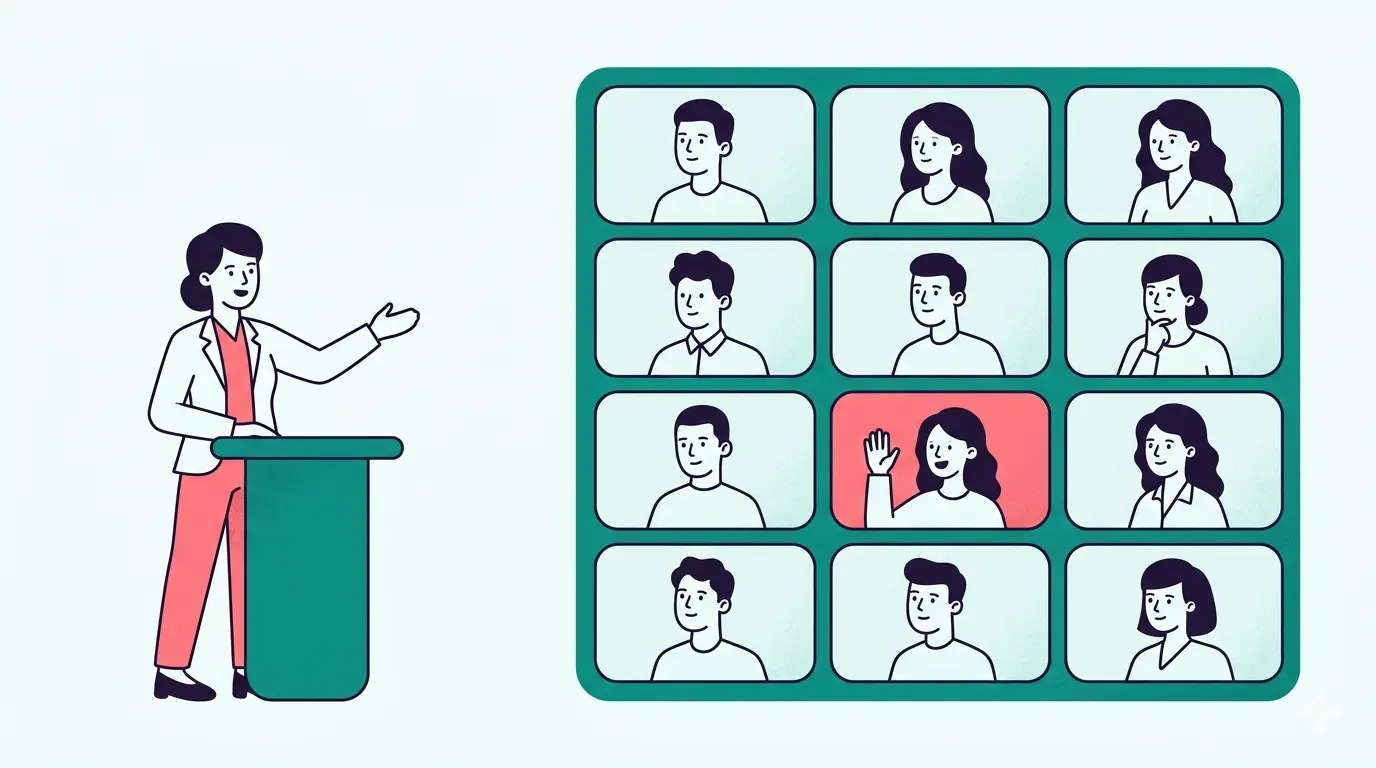
An all-hands meeting agenda for a remote team has one job: justify interrupting everyone’s day at once. Information transfer doesn’t justify it — that’s what async updates and a written doc are for. The all-hands earns its slot with the three things that only work live: energy, recognition, and unscripted Q&A. Everything else is filler, and filler is expensive. In a well-known HBR survey, 71% of senior managers called meetings unproductive and inefficient; a recurring company-wide meeting is the single most costly item on the calendar, so it has to clear a high bar or it quietly trains people to multitask through it.
The 60-minute format
:00–:05 — Open with wins. Specific, named, and quick. “The payments team cut checkout failures by a third this week” beats “good progress across the board.” This sets the tone and rewards being on time — people who join late miss the warmth, which is a gentle incentive.
:05–:15 — Business pulse. Three or four metrics, the same ones every time so trends are legible at a glance. No 40-slide decks; the detailed numbers go out as a pre-read the day before so the meeting is for reaction, not narration.
:15–:35 — One deep dive. A single team or project gets the spotlight, and you rotate it. This is where the company actually learns what the company does — the support team hears what engineering is building, sales hears why a feature slipped. Twenty minutes, with time for two or three questions at the end.
:35–:40 — Recognition and milestones. Work anniversaries, new joiners, shout-outs. Five minutes, every time, without fail — consistency here does more for culture than any offsite, because it’s the part people feel personally. (If you’re tracking milestones in a spreadsheet, the birthday & anniversary tracker is the free version; automating it is what TeamRally does.)
:40–:55 — Q&A. Collect questions async beforehand with anonymous submission, answer the top-voted ones first, then open the floor. Anonymous-first is the difference between real questions and polite ones — it’s the segment where trust is either built or quietly eroded, depending on whether leadership answers the hard ones honestly or dodges.
:55–:60 — Close with what’s next. One slide: the next milestone, the next event, the next all-hands date. People should leave knowing what to watch for.
Remote-specific rules
- Record it, always. A global team means someone is asleep. Post the recording and a five-bullet summary in Slack or Basecamp within the hour, so the meeting reaches the people who couldn’t attend live without forcing them awake at 3 a.m.
- Rotate the time quarterly if you span more than six timezones. A permanent 4 p.m. UTC slot silently tells your APAC team they matter less.
- Chat is the second stage. Assign someone to read and surface chat reactions and questions out loud — it keeps remote energy visible and pulls in the people who’ll never unmute but will happily type.
- Keep leadership honest on time. If the exec update routinely runs long, it’s eating the recognition and Q&A — the two segments that actually justify the meeting.
The mistakes that kill it
Reading slides aloud (the fastest way to teach people to half-listen), letting leadership occupy all 60 minutes, skipping recognition “just this once” (which becomes every time), and running Q&A with no pre-collected questions — the cue for which is a long, awkward silence that reads as disengagement even when it’s just everyone waiting for someone else to go first. Build the question collection into the workflow a day ahead and that silence disappears.
Part of our complete guide to company events for remote teams. For the celebration layer, see building team culture in remote companies.
The recognition slot is the one people remember. TeamRally keeps the birthdays and work anniversaries coming, with a card the team signs. Start free.