 TeamRally
Google Forms Alternative for HR: When Forms Stop Working for Team Data
Looking for a Google Forms alternative for HR data collection? Why forms break down for recurring team data, and what to use instead.
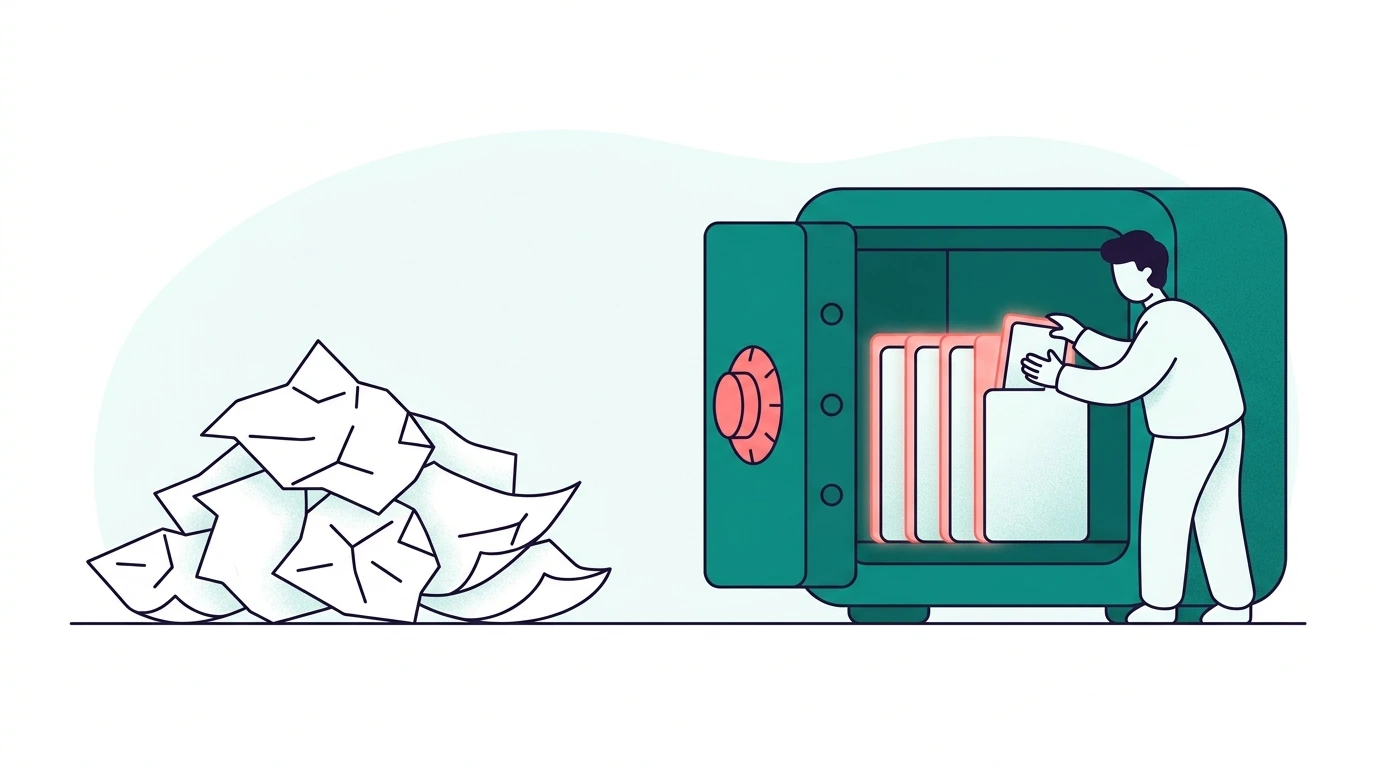
Searching for a Google Forms alternative usually means one of two things: you’ve hit Forms’ formatting ceilings, or — more often — you’ve started to suspect that the form itself is the problem, not the brand of form. For anything you collect about your team more than once, that suspicion is correct. A nicer form solves the symptom you noticed and none of the one that’s actually costing you time.
The structural problem with forms
Google Forms (and Typeform, and SurveyMonkey) are built for surveys: one-time questions producing a one-time dataset you analyse and archive. Team event data isn’t shaped like that. Dietary needs, t-shirt sizes, addresses and celebration preferences are durable facts about people — they don’t expire when the event ends — but a form has no memory of the person, so it forces you to re-collect everything every time. That mismatch produces three predictable costs:
- Form fatigue. The fourth “what’s your t-shirt size?” form of the year gets a sinking response rate and visible eye-rolls, because people can tell you’re asking something you already know. Answer quality drops alongside the rate — the second-time answers get careless.
- Data silos. Every form spawns its own response sheet. Reconciling those against the current roster, against each other, and against the people who answered late by DM is a manual job that recurs every event and never gets easier.
- No idea who’s missing. A form records the answers that arrive. It has no concept of your team, so it can’t tell you that Priya, Tom and four others haven’t answered — you work that out by hand, every time, and that’s where the actual work lives.
When Forms is still the right answer
Forms aren’t the enemy — they’re the wrong tool for one specific job. For genuine one-offs they’re ideal: a venue poll, a one-time policy acknowledgment, a quick vote. If the answer genuinely won’t be needed again, a form is exactly the right shape, and reaching for something heavier is over-engineering. Even the two-question post-event follow-up is fine as a form, because last quarter’s “what should we change?” isn’t a durable fact you reuse.
The alternatives, by problem
Match the fix to the actual problem rather than the loudest one:
If the problem is formatting/UX: Typeform or Tally are genuinely nicer forms — better logic, cleaner design, higher completion on long surveys. They carry the same structural limits, so this only helps if your problem really was the UX.
If the problem is reconciliation: durable spreadsheets keyed to people, not events — one preference sheet, one celebration tracker, reused across every event. Free, and a real step up: you stop spawning a new silo each time and start maintaining one source.
If the problem is the asking itself: move it to where people already are. Response rates track distance-to-the-ask — an emailed form link sits in an inbox, while the question in Slack or Basecamp gets answered between meetings. That’s the category TeamRally sits in: preferences are stored against the person in a preference vault and attached to every future RSVP, so the second ask never happens; the invite carries its yes/no buttons in the message itself; and because it knows your team, you can see exactly who hasn’t answered and nudge only them, in one go, instead of writing seven DMs.
The decision in one line
One-time question → use a form. Durable fact about a person → use anything but a form. Most “form problems” are really durable-fact problems wearing a survey costume, which is why a fancier form so rarely fixes them.
Related: the event logistics checklist and collecting dietary preferences without form fatigue.
TeamRally stores your team’s details once, then gets on with the good part — group cards for birthdays, milestones and farewells, and RSVPs when the offsite comes round. Start free.