 TeamRally
Event Logistics Checklist for Remote Teams (And the Four Things Every Event Runs On)
The complete event logistics checklist for remote and distributed teams — the four datasets behind any event, the timezone, travel and shipping tasks office checklists miss, and the collect-once principle that stops you re-asking.
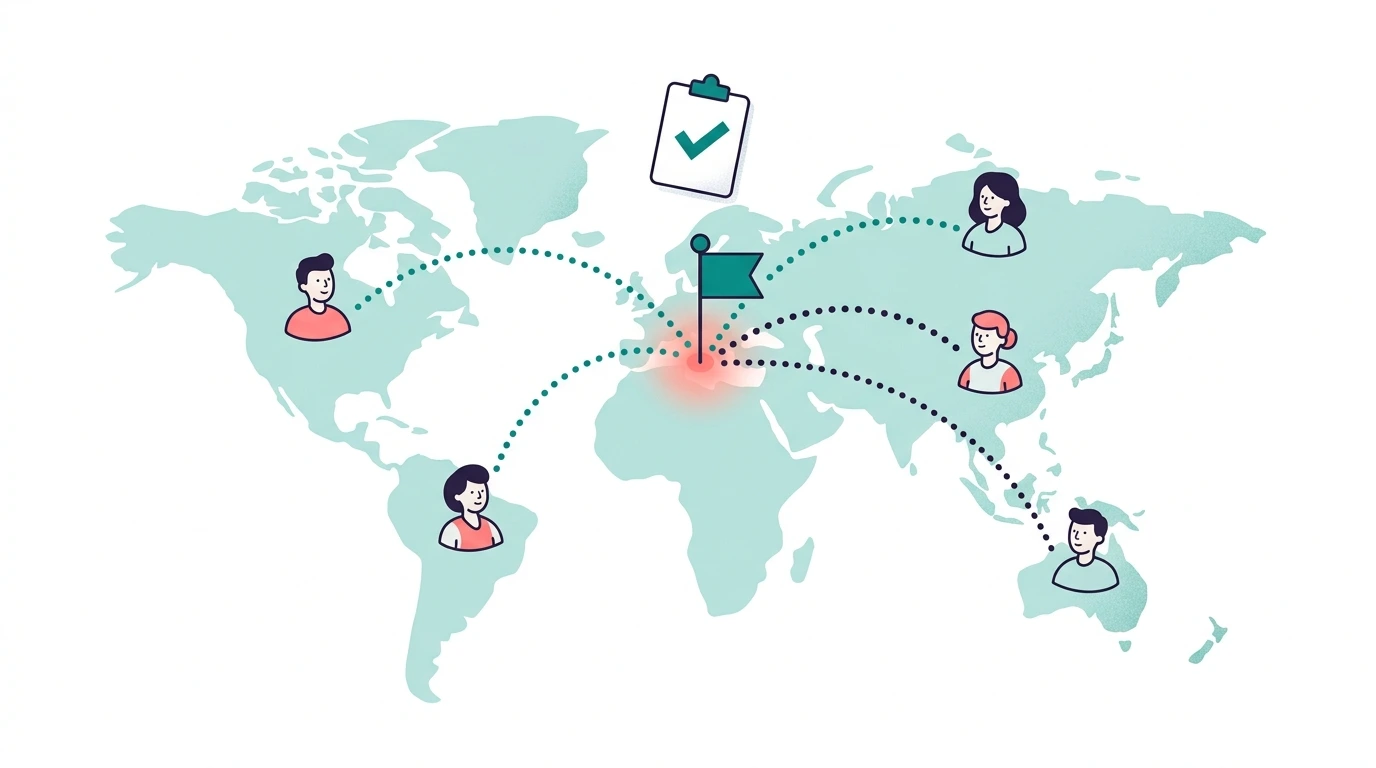
Event logistics is the invisible job. When it works, the event “just happened” and nobody thinks about the forty decisions that made it feel effortless. When it doesn’t, everyone remembers the three vegetarians who got no meal and the half the team that never got the calendar invite. The asymmetry is brutal — flawless logistics are invisible, a single miss is the whole story.
A remote team has a second layer on top of that. A standard checklist assumes everyone starts in the same building, so the hard parts — getting there, eating, going home — solve themselves. Distributed events have to get people to the event, or the event to the people, across timezones, borders and shipping carriers. That layer has the longest lead times on the whole timeline and it’s invisible to anyone who’s only planned office events.
This covers both: the four datasets every event runs on, and what distributed adds to each.
The four data problems every event has
Every company event, from a team lunch to a full offsite, runs on the same four datasets. Naming them is half the battle, because most chaos comes from running all four through one undifferentiated spreadsheet:
1. Who’s coming. RSVPs sound trivial and eat more time than anything else — because the work isn’t recording answers, it’s the people who haven’t answered yet. The RSVP tracker template covers small events; this comparison covers when to graduate to something real.
2. What they need. Dietary restrictions, accessibility needs, t-shirt sizes, travel details. The cardinal rule: collect it with the RSVP, in one ask. A separate form for each data point is how you get form fatigue and a response rate that drops with every extra link.
3. Who’s providing what. Vendors, venues, caterers — each with quotes, contracts, deposit deadlines, and an attrition clause hiding in the fine print. This dataset has the hardest deadlines and the least flexibility, so it should drive your timeline.
4. What they thought. Two questions within 48 hours, answers acted on visibly. The post-event feedback guide has the format — and why it isn’t an engagement survey.
What distributed adds: in-person events
- Travel collection is a logistics task, not an afterthought. Flight details, arrival times and phone numbers, collected with a deadline as hard as the RSVP deadline — because your arrival-day plan can’t be built until you have them, and the laggards are the people you’ll be calling from the airport.
- Visa and documentation lead time. International teammates may need six to eight weeks for invitation letters, appointments and approvals. This is almost always the earliest deadline on your whole timeline, and missing it doesn’t cost money — it costs a teammate who simply can’t come.
- Arrival-day operations. Shuttle batching by landing time, a printed arrivals list, and one phone-reachable contact who isn’t also running a session. The first four hours set the tone for the entire offsite; a smooth pickup tells people the rest is handled.
- Per-person budget realism. Travel runs 30–40% of distributed-team event costs and is the line most likely to surprise you. The retreat budget breakdown covers the full shape.
What distributed adds: virtual events
- Timezone-fair scheduling — or regional sessions when one fair slot is impossible. Rotating the inconvenience beats concentrating it on the same region every time, and being seen to rotate it matters as much as the rotation.
- Shipping as critical path. Party boxes and swag to international addresses need three to four weeks and current addresses, customs forms included. Collect addresses with the RSVP — one ask, always — because a follow-up “what’s your address?” form is where half your shipments stall.
- A camera, recording and participation policy stated upfront. Inclusivity here is a logistics line item, not a sentiment: decide it before the invite goes out, not in the moment when someone asks.
The principle underneath all of it: collect once, reuse forever
Here’s the inefficiency hiding in most event prep: the same data gets re-collected every time. Dietary needs don’t change between the summer offsite and the holiday party — but most teams ask twice, because last event’s answers are buried in last event’s spreadsheet and it’s faster to send a new form than to find the old one. That shortcut is the whole problem, repeated quarterly.
The fix is structural: preferences belong in a durable store keyed to the person, not the event. A preference spreadsheet reused across events is the manual version; a tool like TeamRally keeps a preference vault — dietary needs, accessibility and sizes stored against each person and attached to every future RSVP, with people editing their own details when something changes. Either way the principle is the same: a fact about a person is collected exactly once.
If you’re still running this through Google Forms, the forms-alternative breakdown covers the decision. The one-line version: one-time question → form, durable fact → not a form.
Where the asking should happen: your team’s chat, not your inbox
Response rates track distance-to-the-ask. An email with a form link gets archived unopened; a message in the channel people already live in gets answered between meetings. If your company runs on Slack or Basecamp, the invite and the yes/no button belong there too.
Name one channel in the invite and repeat the details shamelessly. Assume people will ask questions already answered, and make the answer impossible to miss rather than blaming them for not reading.
Mind the response-rate math
Logistics data is only as good as its completeness — a 70% RSVP rate means 30% of your catering count is a guess. Internal asks should clear that bar comfortably: a healthy internal response sits in the 65–85% range, with smaller teams often hitting 80–90%, and a well-placed ask in a channel people actually use sits at the top of that. If your responses sit below it, the problem is almost always the channel and the number of asks, not your team’s willingness.
Set the RSVP deadline two weeks out. When you need to nudge, message only the people who haven’t answered rather than the whole room — the spreadsheet vs. tool decision applies the moment working out who those people are becomes a half-day per round.
The ladder
- Level 1: A spreadsheet per event. Fine below ~30 people and a few events a year. Start with our free template library.
- Level 2: Spreadsheets that persist. One preference sheet, one celebration tracker, reused across events. Most teams should at least be here — it’s free and it kills the re-collection tax.
- Level 3: One place for all of it. RSVPs and preferences live with the people they belong to, the invite goes out where your team already is, and the birthdays and work anniversaries in between are handled in the same place rather than in someone’s head.
Climb a level when the current one starts costing you evenings. It’s a response to pain, not a status game — plenty of teams live happily at Level 2 for years.
The pattern across all of it: distributed events trade the office’s automatic logistics for explicit ones with long lead times, so the calendar — not the idea — is what you manage. Front-load the long-lead items (visas, shipping, travel collection) and the rest has room to breathe. The full task-level version with T-minus dates lives in the offsite planning checklist template.
The thing logistics guides forget
All of the above is in service of about three days a year. The rest of the year is the bit that decides whether people actually like working together: someone’s fifth anniversary, a proper send-off, a welcome that isn’t just an emoji in a channel.
Those don’t need logistics. They need someone to notice — and that’s the part worth handing to something other than memory.
TeamRally keeps the celebrations and the events in one place: group cards the whole team signs, plus RSVPs, dietary needs and guests when the offsite comes round. Free forever up to 15 people — start free.